The Best Private Notes Apps (2026 Guide)
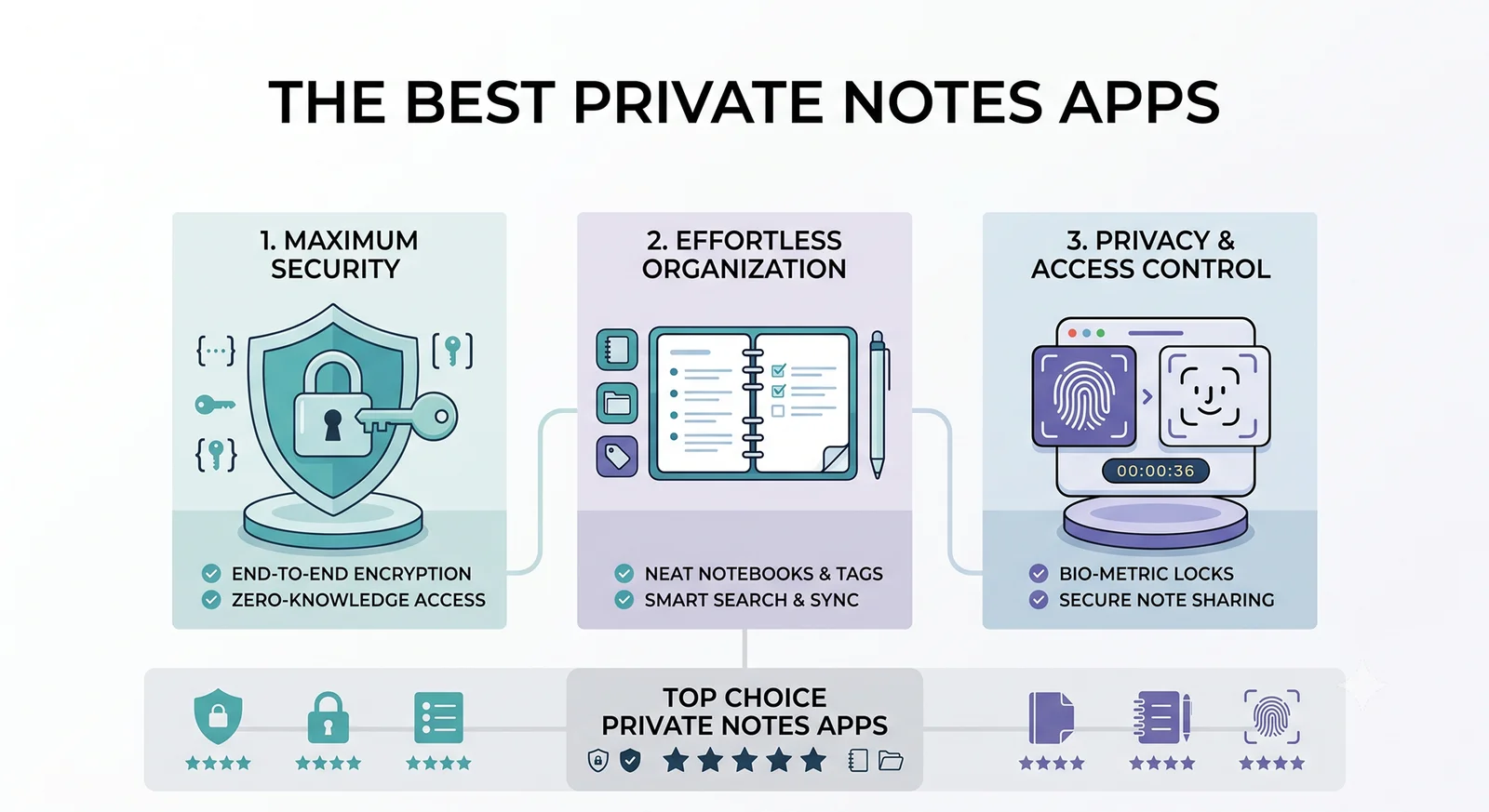
The most private notes app is the one that never sends your notes to a server in the first place. While tools like Notion and Evernote offer powerful collaboration features, they come with a significant privacy trade-off: your personal thoughts, journal entries, and sensitive information are stored on their servers, often unencrypted at rest.
In 2026, there is a growing movement back toward local, offline-first notes apps. These applications store your data directly on your device (Windows or Android) and offer optional, end-to-end encrypted sync only when you want it. In this guide, we break down the best private notes apps available today that respect your data and do not require a mandatory cloud account.
The Problem with Cloud-First Note Taking
Most mainstream note-taking apps operate on a “cloud-first” model. This means:
You don’t own your data: If the service shuts down, changes its pricing, or bans your account, you lose access to your notes.
Data mining risks: Many free services scan your notes for advertising profiles or to train AI models (a growing concern in 2026).
Security vulnerabilities: A data breach on a central server exposes the private notes of millions of users simultaneously.
Offline limitations: Try opening a complex Notion page on an airplane without a premium offline-mode subscription — it often fails.
Local-first Private Notes App solve this by storing data locally (often as plain Markdown files) and treating sync as an optional utility rather than a core requirement.
1. Obsidian (The Power User’s Choice)
Obsidian has revolutionized the local-first note-taking space. It is a powerful knowledge base that works entirely on top of a local folder of plain text Markdown files.
Privacy Profile: Excellent. Obsidian never forces you to create an account. Your notes live on your hard drive. If you want to sync between Windows and Android, you can use their paid (and end-to-end encrypted) Obsidian Sync, or use a free third-party syncing tool like Syncthing.
Pros:
100% local, plain text Markdown files (future-proof)
Incredible plugin ecosystem (over 1,000 community plugins)
Graph view to visualize connections between notes
Cons: The learning curve is steep. Setting up free sync between Windows and Android requires some technical know-how.
2. Joplin (The Best Open Source Evernote Alternative)
Joplin is a free, open-source note-taking and to-do application that handles a large number of notes organized into notebooks. The notes are searchable, can be copied, tagged, and modified either from the applications directly or from your own text editor.
Privacy Profile: Excellent. Joplin is open-source. It supports optional end-to-end encryption (E2EE) on every device. You can sync your notes using your own Nextcloud, Dropbox, OneDrive, or WebDAV server — meaning you control exactly where your encrypted data lives.
Pros:
Familiar interface for former Evernote users
Built-in E2E encryption
Bring-your-own-cloud sync options
Web clipper extension for saving articles
Cons: The UI can feel a bit dated compared to modern alternatives, and the Android app can be sluggish with very large note libraries.
3. Standard Notes (The Security Hardliner)
Standard Notes focuses on exactly two things: simplicity and extreme security. It is the only app on this list that enforces end-to-end encryption by default on all platforms, including the web.
Privacy Profile: Unmatched for out-of-the-box security. Even the company cannot read your notes. It has undergone multiple third-party security audits.
Pros:
Impeccable security track record and default E2EE
Very fast and stable across Windows, Android, and Web
Clean, distraction-free interface
Cons: The free version is strictly plain text only. If you want rich text, markdown, spreadsheets, or folders, you have to pay a relatively high subscription fee.
4. Logseq (The Privacy-First Outliner)
Like Obsidian, Logseq is a local-first knowledge base that works on top of a local folder of plain text Markdown (or Org-mode) files. However, Logseq is fundamentally an outliner — every note is a bullet point, making it incredible for rapid logging and task management.
Privacy Profile: Excellent. 100% local files. No account required. Open source.
Pros:
Fantastic for daily journaling and “block-level” references
Open source and privacy-first
Built-in flashcards and PDF annotation
Cons: If you prefer writing long-form documents rather than bulleted lists, the outlining structure can feel restrictive.
The Sweet Spot: Why We Are Building Noteit
Looking at the landscape of private notes apps in 2026, we noticed a recurring problem. You have to choose between:
High complexity: Apps like Obsidian require learning Markdown, configuring plugins, and managing your own sync.
High cost: Apps like Standard Notes lock basic features like bold text behind expensive subscriptions.
Poor mobile experience: Many local-first apps treat Android as an afterthought, with clunky interfaces and slow load times.
At Veridicus Lab, we believe privacy shouldn’t require a computer science degree or a monthly subscription. We believe there is a need for a beautifully simple, natively fast notes app that just works offline, stores data locally, and syncs peer-to-peer without passing through a corporate server.
That is why we are developing Private Notes App Noteit — a local-first markdown editor designed specifically to bridge the gap between absolute privacy and beautiful, effortless design. It follows the same offline-first architecture that defines all our tools.
Check our products page for development updates on Noteit.

How to Sync Local Notes Securely (Without the Cloud)
If you choose a local-first app like Obsidian or Joplin but still want to sync between your Windows PC and Android phone, how do you do it privately?
The Best Method: Syncthing
Syncthing is a free, open-source application that synchronizes files directly between two devices. It works entirely peer-to-peer. When your Windows PC and Android phone are on the same Wi-Fi network (or connected over the internet via an encrypted tunnel), they talk directly to each other and sync your notes folder.
The catch: Both devices must be turned on and connected to the internet at the same time for the sync to happen. Because there is no central server, one device cannot “leave a message” for the other.
The Convenient Method: E2EE Cloud
If peer-to-peer sync is too restrictive, you can use a cloud provider, provided the data is End-to-End Encrypted (E2EE) before it leaves your device. This means the notes are locked with a password only you know. Even if the cloud server is hacked, the attackers only get scrambled data.
Joplin handles E2EE natively before syncing to Dropbox/OneDrive.
Standard Notes handles E2EE natively to its own servers.
Obsidian offers E2EE via its paid Obsidian Sync service.
The Bottom Line
Your notes are a digital extension of your brain. They should belong to you, reside on your hardware, and remain entirely private. In 2026, there is no technical reason to sacrifice privacy for convenience.
If you want maximum flexibility and power, choose Obsidian. Want an open-source Evernote replacement, choose Joplin. If you want effortless military-grade security and do not mind paying for features, choose Standard Notes.
And if you want a beautiful, simple, local-first editor that requires zero configuration? Keep an eye out for our Private Notes App: Noteit.
Want to know: How to Transfer Files Between Phones Without Internet (Wi-Fi Direct Guide 2026)
Enjoyed this technical dispatch?
Share it with fellow engineers or connect with us for questions.
Nirdhum
Veridicus Lab is an independent software lab creating privacy-first digital tools, developer utilities, and offline-first mobile apps.